PIFRA Salary Slip 2026: Complete Registration & Download Guide
For the millions of government employees in Pakistan—from school teachers in Punjab to police officers in Sindh—the PIFRA Salary Slip is the most critical document of the month. It confirms your allowances, tracks your GP Fund, and serves as proof of income for bank loans.
In the past, getting this slip meant waiting for the office clerk or visiting the District Accounts Office. Today, the Project to Improve Financial Reporting and Auditing (PIFRA) has digitized the process. You can now receive your monthly salary slip directly in your email inbox, free of cost.
However, the system is notorious for glitches. In 2026, with updated browser security protocols and new FBR tax slabs, accessing m.pifra.gov.pk has become trickier. Users frequently report errors like “Connection Timed Out,” “Email Already Registered,” or “Employee Not Found.”
If you are searching for how to download salary slip from PIFRA, wondering why your pay slip online hasn’t arrived, or need the latest DDO codes for 2026, this guide is your ultimate manual. We go beyond the basics to help you decode your salary slip and solve technical errors that other guides ignore.
What is the PIFRA Salary Slip? (And Why It Matters in 2026)
The PIFRA Salary Slip is an automated digital document generated by the FABS (Financial Accounting and Budgeting System). It is sent via email to registered government employees around the 10th of every month.
Key Components of Your 2026 Slip:
Unlike older versions, the 2026 slip reflects the latest economic adjustments:
Smart Advisor Note:
Your PIFRA slip is accepted as a valid income proof by major banks (HBL, NBP, Meezan) for car leasing and home loans, provided you print it clearly.
PIFRA Pay Slip Registration for Govt Employees
To start receiving your slip, you must register once. The website does not allow you to “Login” to check history; it only allows Registration.
Requirements for Registration:
Before opening the link, ensure you have these exact details. A mismatch will lock your CNIC.
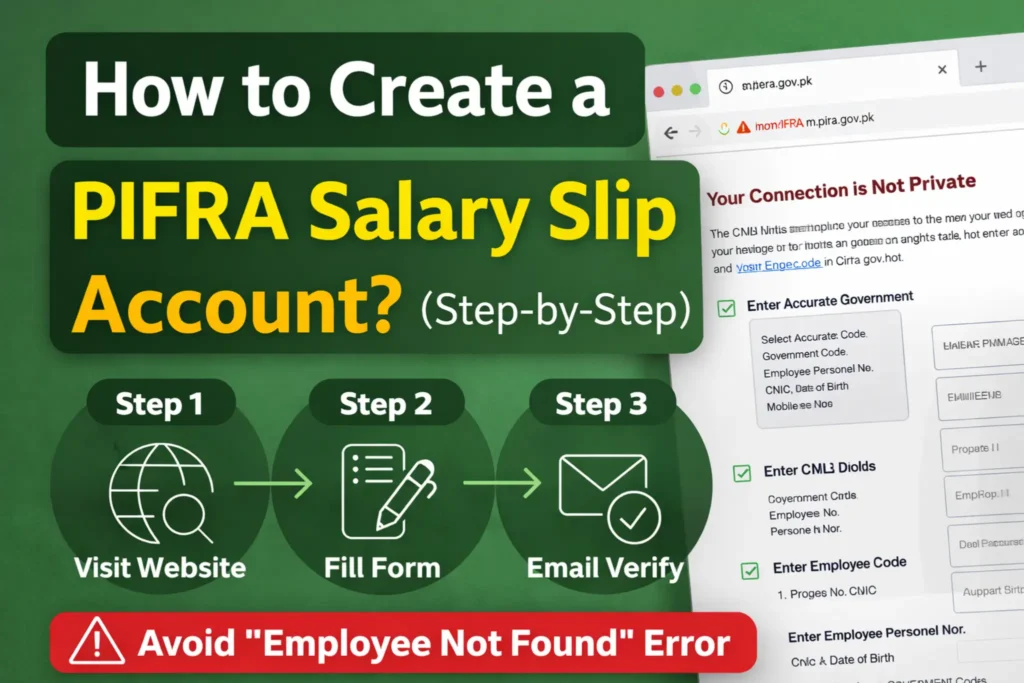
How to Create a PIFRA Salary Slip Account? (Step-by-Step)
Follow these steps precisely to avoid the “Employee Not Found” error.
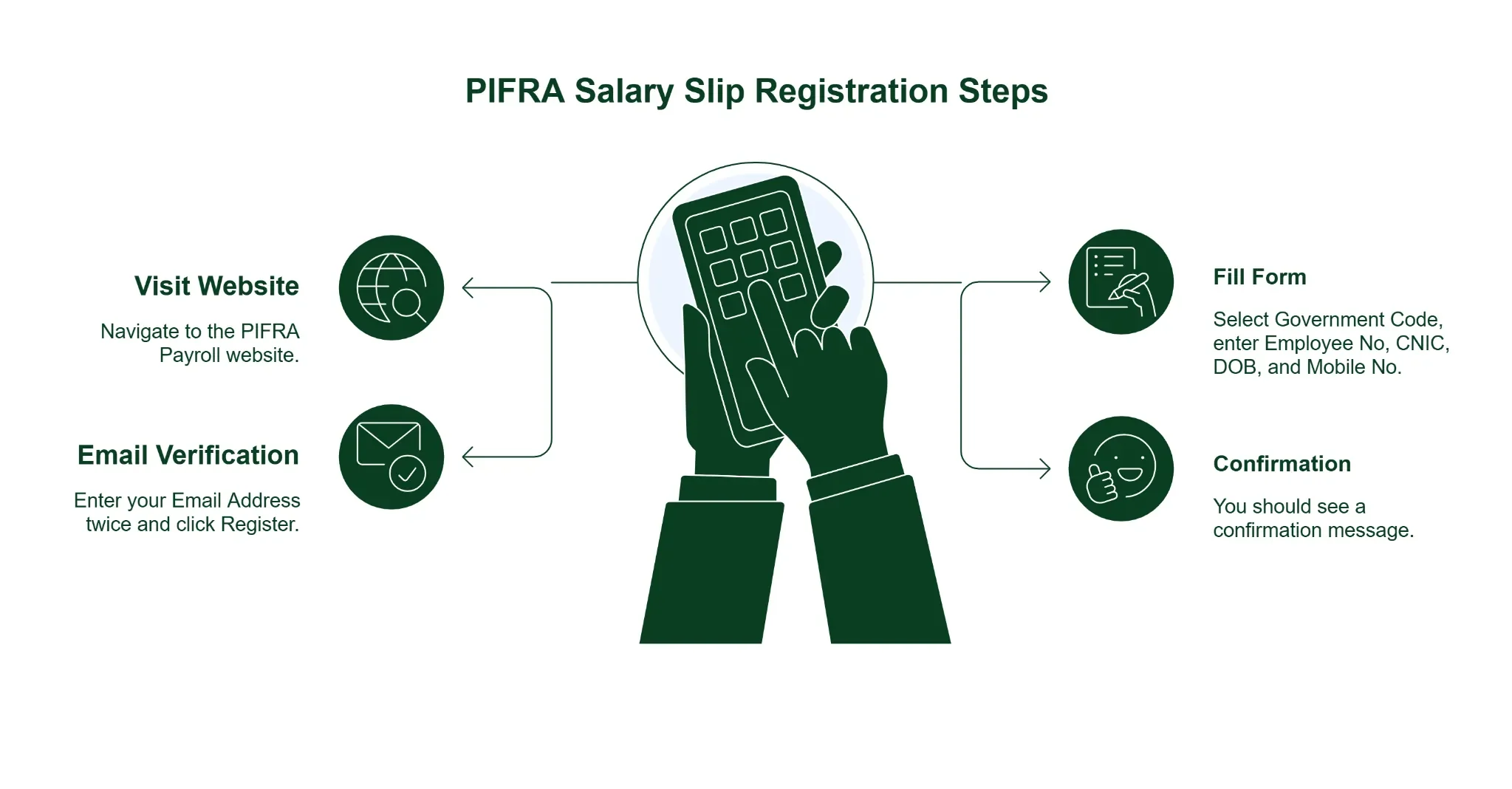
Step 1: Visit the PIFRA Payroll Website
Navigate to https://m.pifra.gov.pk/salaryslip_emp.
- 2026 Browser Fix: If Chrome says “Your Connection is Not Private,” click Advanced > Proceed to m.pifra.gov.pk (unsafe). This happens because the government’s SSL certificate is older than modern browser standards.
Step 2: Fill Out the Registration Form
- Select Government Code:
- F = Federal (Islamabad, Ministries, Military Civilians)
- P = Punjab
- S = Sindh
- N = KPK (Legacy code for NWFP)
- B = Balochistan
- K = AJK (Azad Kashmir)
- G = Gilgit Baltistan
- C = Council of Works
- Enter Employee Personal No: e.g., 12345678.
- Enter CNIC: e.g., 3520212345671 (No dashes).
- Enter Date of Birth: e.g., 15-08-1985.
- Enter Mobile No: e.g., 03001234567.
Step 3: Email Verification
- After clicking “Submit,” a new box will appear asking for your Email Address.
- Enter it twice (e.g., ali.khan@gmail.com).
- Click Register.
Step 4: Confirmation
- You should see: “Your monthly salary slip has been registered.”
- You will not receive an instant confirmation email. Your first slip will arrive in the next payroll cycle (usually the 10th of next month).
How to Download Free PIFRA Salary Slip PDF Online?
Unlike a bank portal where you log in to a dashboard, PIFRA works via Email Push.
Through Registered Email:
Through PIFRA Account Login (The Myth):
Many users search for a “PIFRA Login” button. It does not exist. You cannot log in to the website to view past slips. You must save the emails. If you delete the email, the slip is lost forever unless you visit the AG Office.
Pro Tip: Create a folder or label in your Gmail named “Salary Slips” and set a rule to automatically move all emails from pifra.gov.pk there. This creates your own digital archive.
PIFRA Salary Slip Not Received? (7 Troubleshooting Fixes)
This is the most common issue in 2026. You registered, but no email came.
1. Check Spam/Junk Folder
Gmail’s 2026 AI filters are strict. They often dump government automated emails into Spam.
- Fix: Check Spam. Open the email. Click “Report not spam”.
2. Storage Full
If your Google Drive/Gmail storage (15GB) is full, new emails will bounce.
- Fix: Delete old large files or buy storage.
3. Incorrect Email Entry
Did you type @gmal.com instead of @gmail.com?
- Fix: You cannot edit this online. You must email unsubscribe@pifra.gov.pk with your CNIC and Personal Number, asking them to delete your account so you can re-register correctly.
4. System Maintenance
The FABS server often goes down from the 1st to the 10th due to heavy payroll processing traffic. Be patient.
5. “Employee Not Found” Error
This means your data hasn’t been digitized or your Date of Birth in the system doesn’t match your CNIC.
- Fix: Visit your DDO (Drawing and Disbursing Officer) or Accounts Office with your Service Book to verify the DOB they have on file.
6. “Email Already Registered” Error
This means you (or someone else) already registered this account.
- Fix: Search your old email inboxes. If lost, use the unsubscribe method to reset.
You can also read our detailed guide on How to Register Email in Pifra to activate your email alerts.
7. Pensioner Life Certificate Expiry
For pensioners, if you fail to submit your Biometric Life Certificate (now required digitally via NADRA or Bank every 6 months), your pension—and your slip—stops automatically.
DDO Codes & Budget Checking 2026
For officers managing department finances, PIFRA offers the DDO Budget tool.
What is a DDO Code?
It is a unique code identifying your specific department and city (e.g., LO for Lahore, KQ for Karachi).
How to Check DDO Budget:
PIFRA for Pensioners: What’s New in 2026?
Pensioners can also use this system.
- Registration: Same form. Use your Pension Personal Number.
- Slip Details: Shows “Net Pension” and any “Medical Allowance.”
- Digital Update: The government is moving towards a fully digital pension system. Ensure your bank account is linked to your CNIC to avoid stoppages.
Understanding FABS & CGA
FABS (Financial Accounting and Budgeting System) is the IT backbone.
CGA (Controller General of Accounts) is the authority managing it.
When you see “FABS” on your slip, it guarantees the document is generated from the central federal server, making it tamper-proof and valid for legal use.
Frequently Asked Questions (FAQ)
Conclusion
The PIFRA Salary Slip system is a vital tool for 2026. While the interface is old-fashioned and prone to errors, mastering the registration process saves you hours of hassle.
Your Checklist for Success:
- Personal Number: Ensure you have the correct 8-digit code.
- Email: Use a dedicated Gmail account.
- Spam Filter: Whitelist pifra.gov.pk.
- Date of Birth: Verify it with your Accounts Office if registration fails.
By following this guide, you ensure that your financial records are always just one click away. You can also explore our article on PIFRA Position Code to find the correct code for your post.
Disclaimer
This guide is for educational purposes. We are not the Controller General of Accounts (CGA) or PIFRA. For official services, strictly use the portal: https://m.pifra.gov.pk.